Send raw candidate resumes from JobAdder to CVFormatter, format them into a branded template, then push the polished CV back into JobAdder—without re-uploading files.
Recruiters don’t lose deals because they can’t find talent.
They lose deals because they can’t move fast enough.
In a typical JobAdder workflow, the “speed limiter” isn’t sourcing, calling, or interviewing—it’s the quiet admin task that sits between a great candidate and a client submission:
Formatting the CV.
Messy layouts, inconsistent headings, two-column PDFs, embedded tables, strange fonts, missing spacing—by the time a CV becomes client-ready, a recruiter has already spent energy on something that doesn’t directly generate revenue.
That’s why CV Formatter on JobAdder is such a meaningful workflow upgrade.
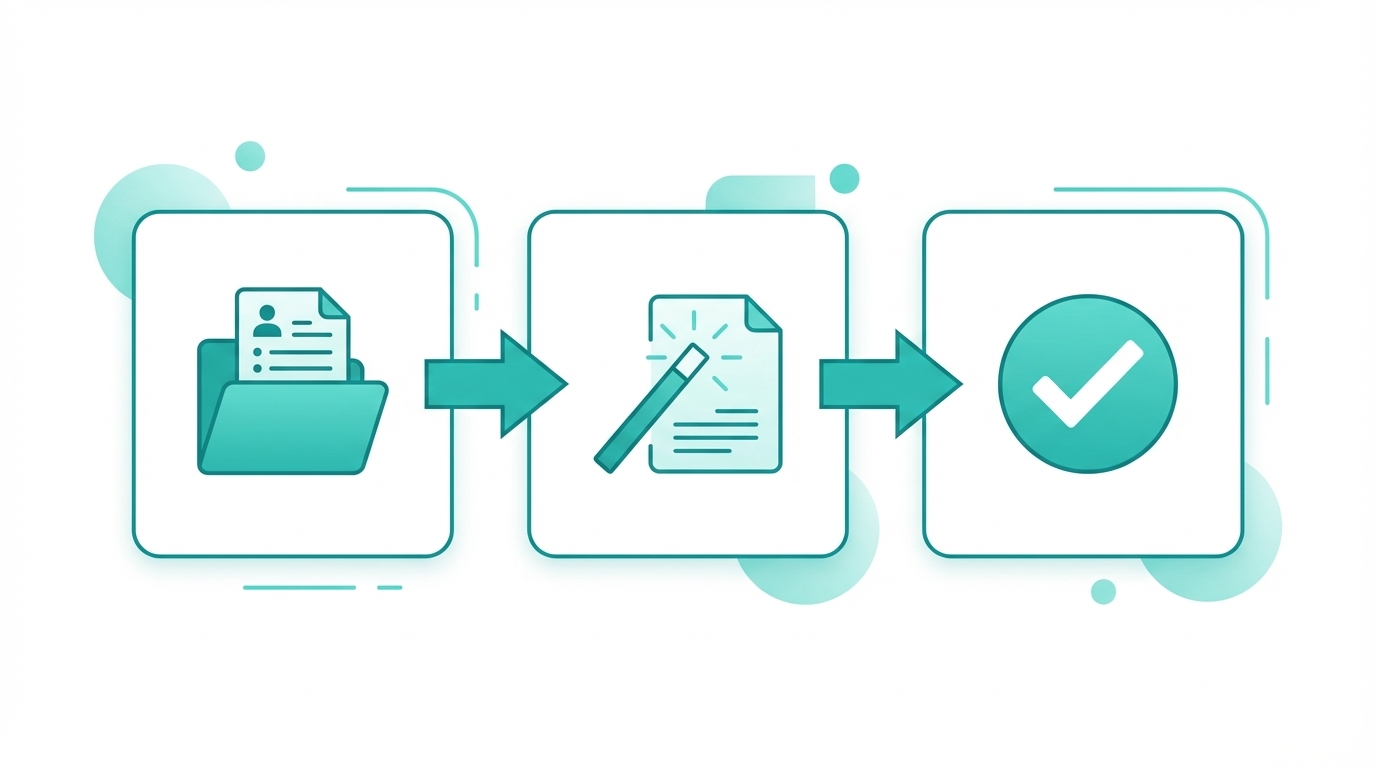
CVFormatter is now fully integrated with JobAdder, allowing you to send raw candidate resumes from JobAdder to CVFormatter, format them quickly in your branded template, then send formatted CVs back into JobAdder from CVFormatter when you’re ready.
The “15-Minute” Formatting Tax (that adds up fast)
Even strong recruiters can’t escape formatting.
A “simple” resume might take 3-5 minutes to clean up. A messy one can take 15–20 minutes—especially if you need to:
- remove weird spacing and inconsistent fonts
- rework a two-column layout into a clean structure
- standardize dates, headings, and bullet styling
- align everything into a client-facing template
Now put that into monthly volume.
If your agency formats 300 CVs/month, and each CV takes just 10 minutes to prepare, that becomes:
- 3,000 minutes per month
- 50 hours per month
- 600 hours per year
That’s the equivalent of weeks of recruiter time spent on document work, not placements.
From Raw Resumes to Client-Ready CVs (without re-uploading files)
The core promise of CV Formatter on JobAdder is straightforward:
You start where you already work (JobAdder), and you keep control of the final output (CVFormatter), while ensuring your ATS remains the source of truth once the CV is ready.
Here’s the real recruiter workflow:
1) Start with the candidate in JobAdder
A resume enters JobAdder via application, import, or sourcing.
2) Send the raw resume from JobAdder to CVFormatter
No downloading locally. No emailing the file around. No re-uploading just to begin formatting.
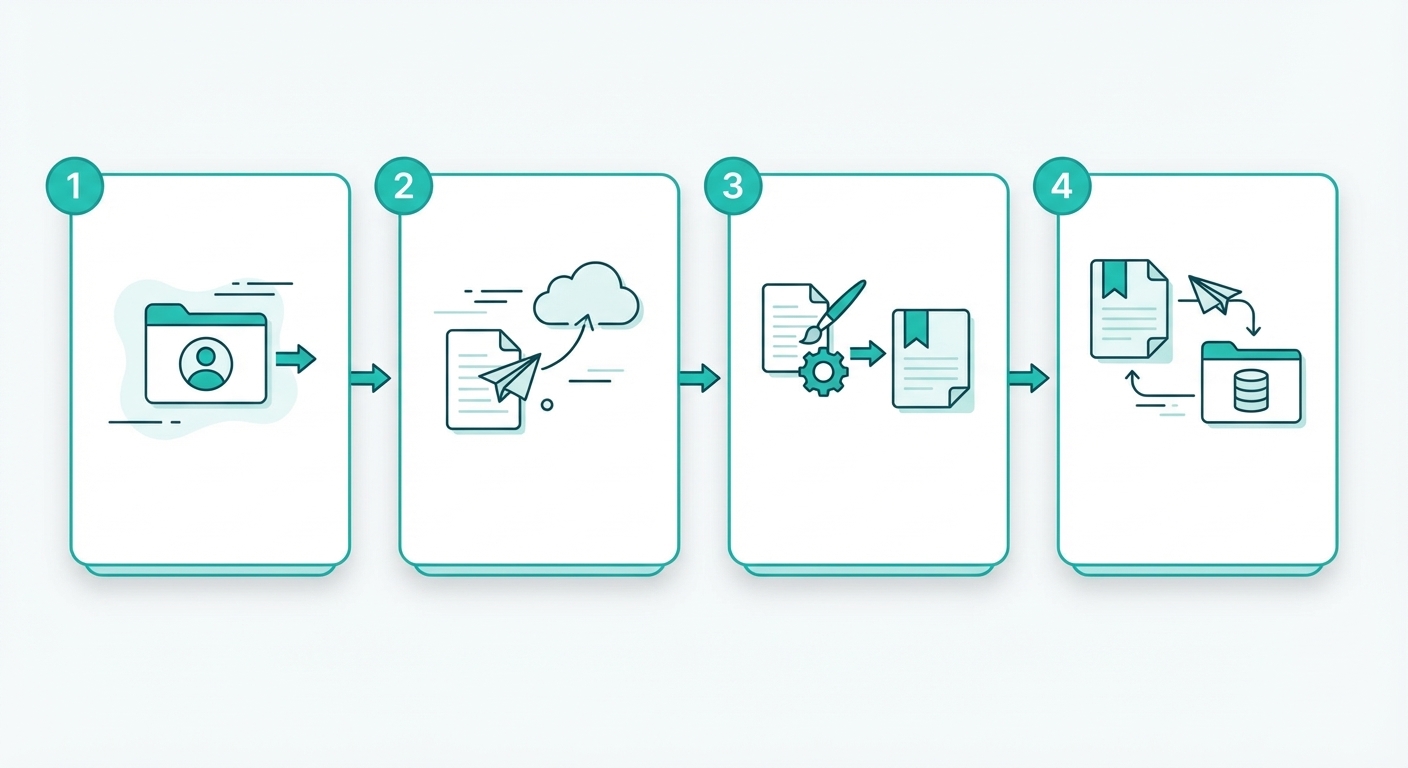
3) Format the CV in CVFormatter
Apply your agency template and produce a clean, consistent, branded CV.
4) Send the formatted CV back to JobAdder (from CVFormatter)
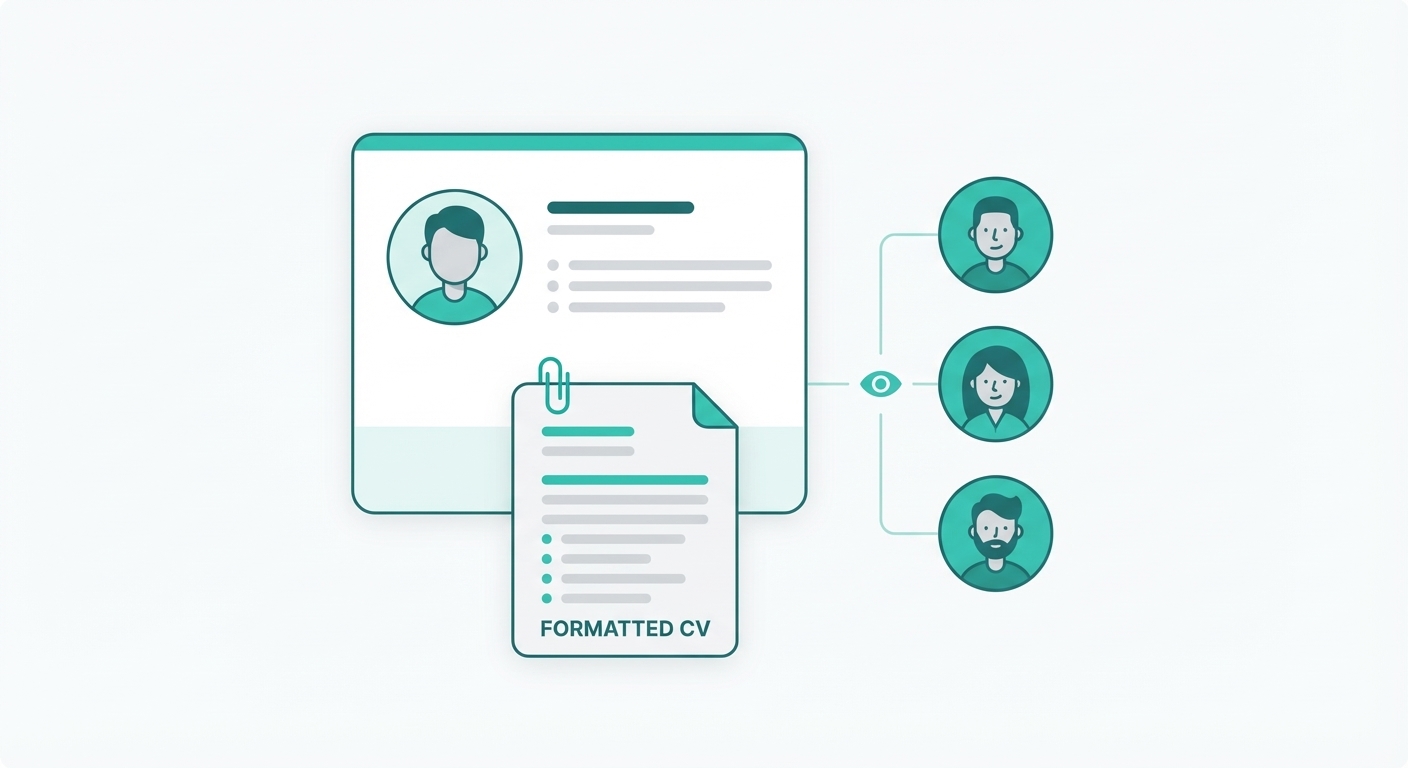
This part is intentionally controlled: you review the formatted CV in CVFormatter, and then send it back into JobAdder so the polished version is stored with the candidate record.
Important nuance: You still need to come to CVFormatter to send the formatted CV back into JobAdder. This keeps you in full control of what gets pushed back into your ATS.
Why recruiters care: speed, brand, and submission quality
JobAdder helps you run the recruiting process.
But clients don’t buy “process.”
Clients buy confidence—and the CV is still the most visible artifact of your work.
CV Formatter on JobAdder helps agencies improve three things recruiters feel immediately:
1) Submission speed (the real competitive advantage)
When formatting becomes a 30-second task instead of a 10-minute task, your time-to-submit drops dramatically.
That’s how you:
- get candidates in front of clients earlier
- win on speed in competitive markets
- stop losing momentum between “great candidate” and “client-ready pack”
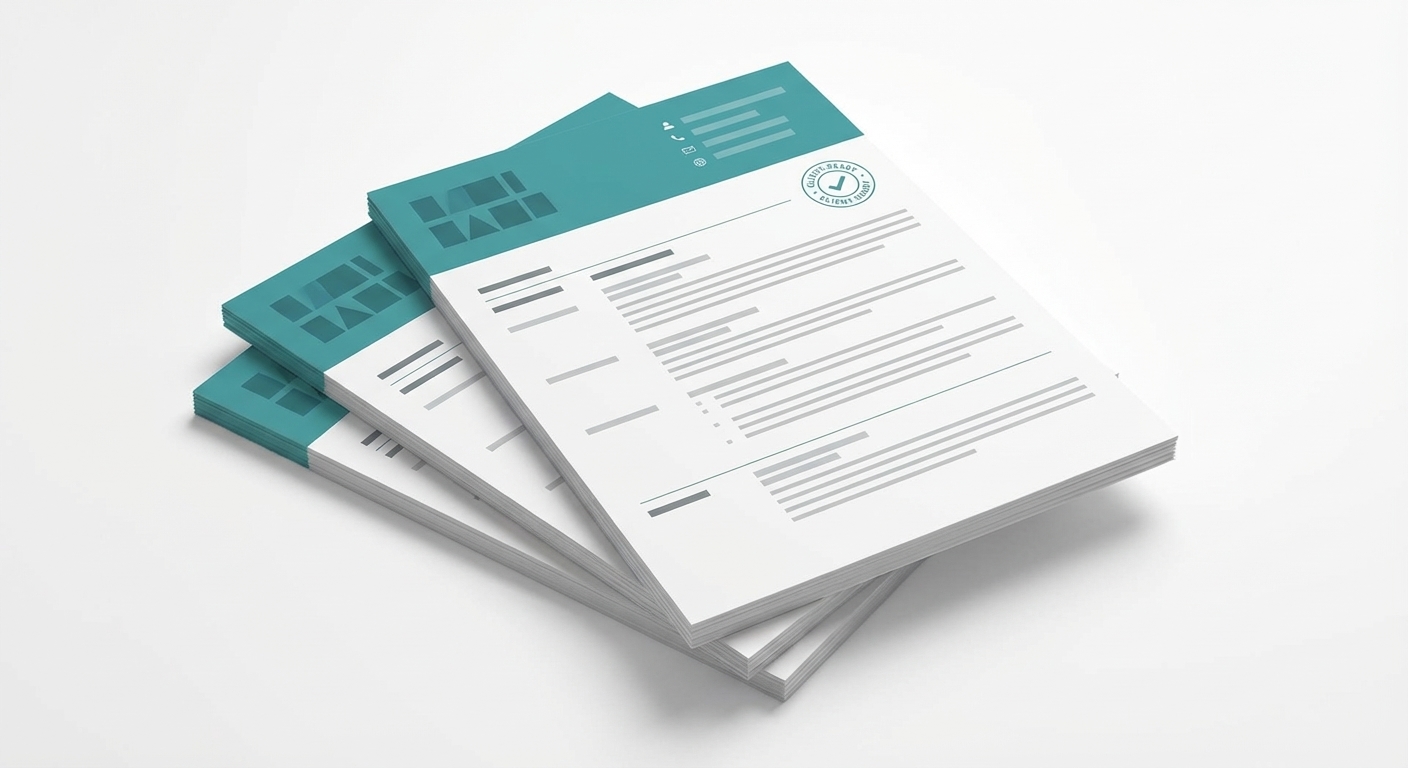
2) Consistent agency branding across every desk
In most agencies, formatting quality varies by recruiter.
Some are meticulous. Some are rushing between calls. Some use old templates.
A standardized CV template keeps your brand consistent, whether the candidate comes from:
- a PDF with two columns
- a Word doc with random styling
- a LinkedIn export
- a scanned-looking layout that breaks in Word
3) Cleaner internal collaboration
Once the formatted CV is sent back to JobAdder, everyone on the team is aligned:
- fewer “which version did we send?” moments
- less back-and-forth with ops/admin
- easier handoffs between recruiters and account managers
Real-world example: UK mid-sized agency (40 headcount, 300+ CVs/month)
Here’s a real anonymized scenario that mirrors how mid-sized agencies operate:
A UK agency with ~40 employees formats 300+ CVs/month across multiple teams.
Before adopting CV Formatter on JobAdder, their process looked like this:
- recruiters downloaded resumes from JobAdder
- they edited in Word (with varying quality)
- they exported PDFs
- they re-uploaded “final versions” into JobAdder

As volume increased, so did the friction:
- inconsistent formatting across desks
- longer time-to-submit
- repeated formatting tasks that felt “endless”
- quality control issues when recruiters were busy
After switching to CV Formatter on JobAdder, the workflow shifted:
- recruiters send raw resumes from JobAdder into CVFormatter
- they format into one consistent branded template
- they send the finished CV back into JobAdder from CVFormatter
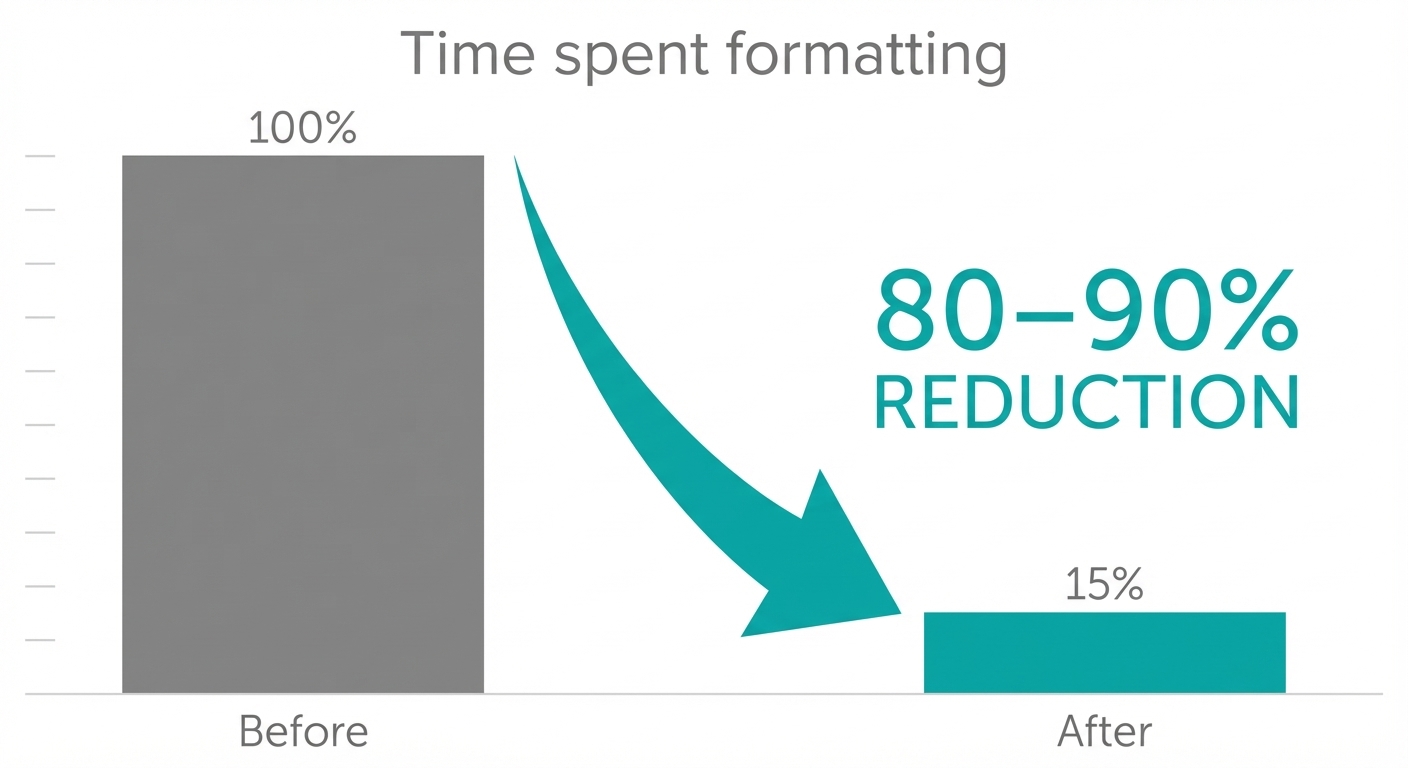
Outcome: the agency reported ~80–90% time saved on formatting, especially on messy resumes with inconsistent layouts. Submissions became faster, and CV presentation became consistent across teams.
What types of resumes benefit the most?
If every resume were clean and single-column, nobody would care about CV formatting tools.
But real candidate resumes aren’t built for ATS workflows—they’re built for humans.
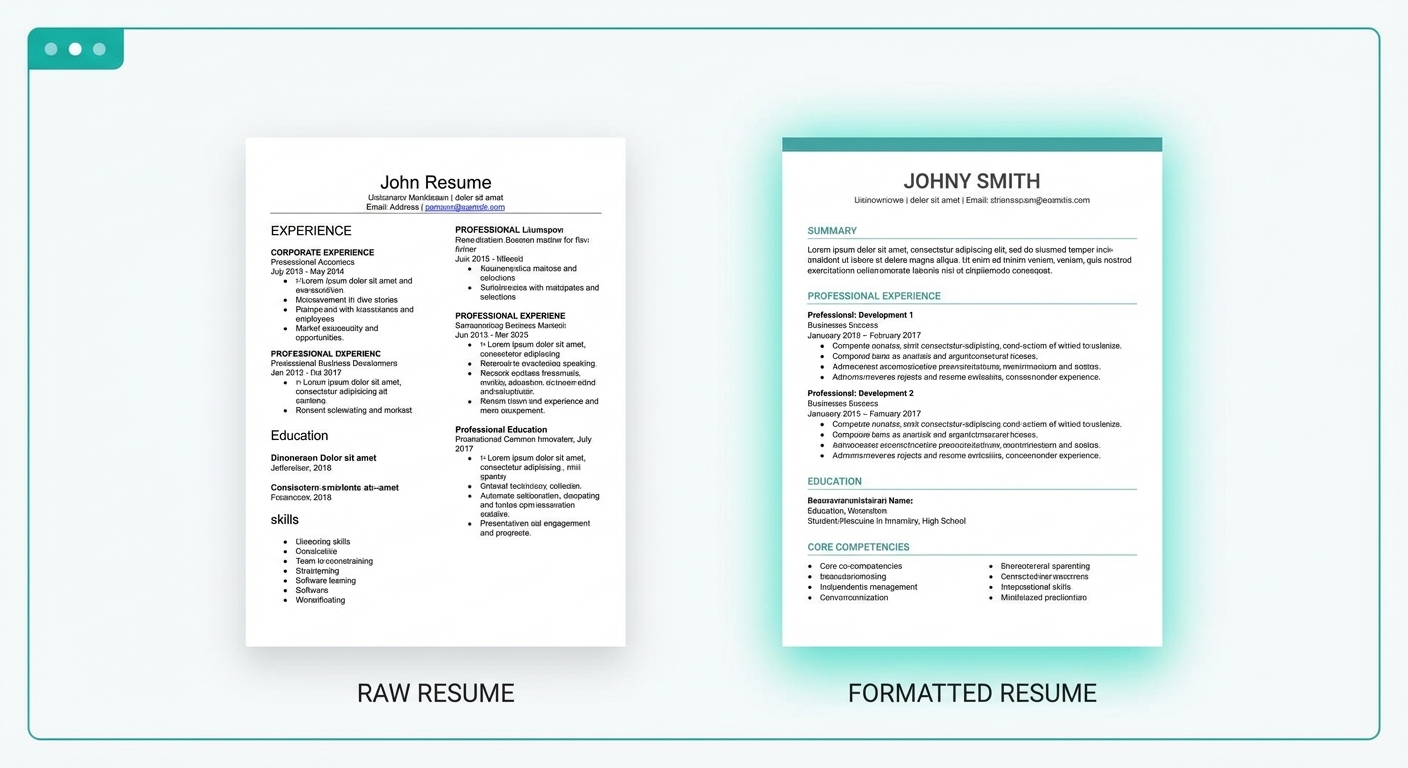
CV Formatter on JobAdder is especially valuable when candidates send:
- two-column PDFs
- tables and text boxes
- unusual fonts and spacing
- logos, icons, and design-heavy templates
- inconsistent date formats and headings
These are the CVs that slow teams down—and the exact ones recruiters dread touching in Word.
A recruiter-friendly standard operating procedure (SOP)
If you want to roll this out without disruption, here’s a simple internal SOP that most agencies can adopt:
-
Pick one default branded CV template (start with your most common client format)
-
Decide who formats
- recruiter formats their own submissions, or
- ops/admin formats for multiple desks
- grant them access to CVFormatter
-
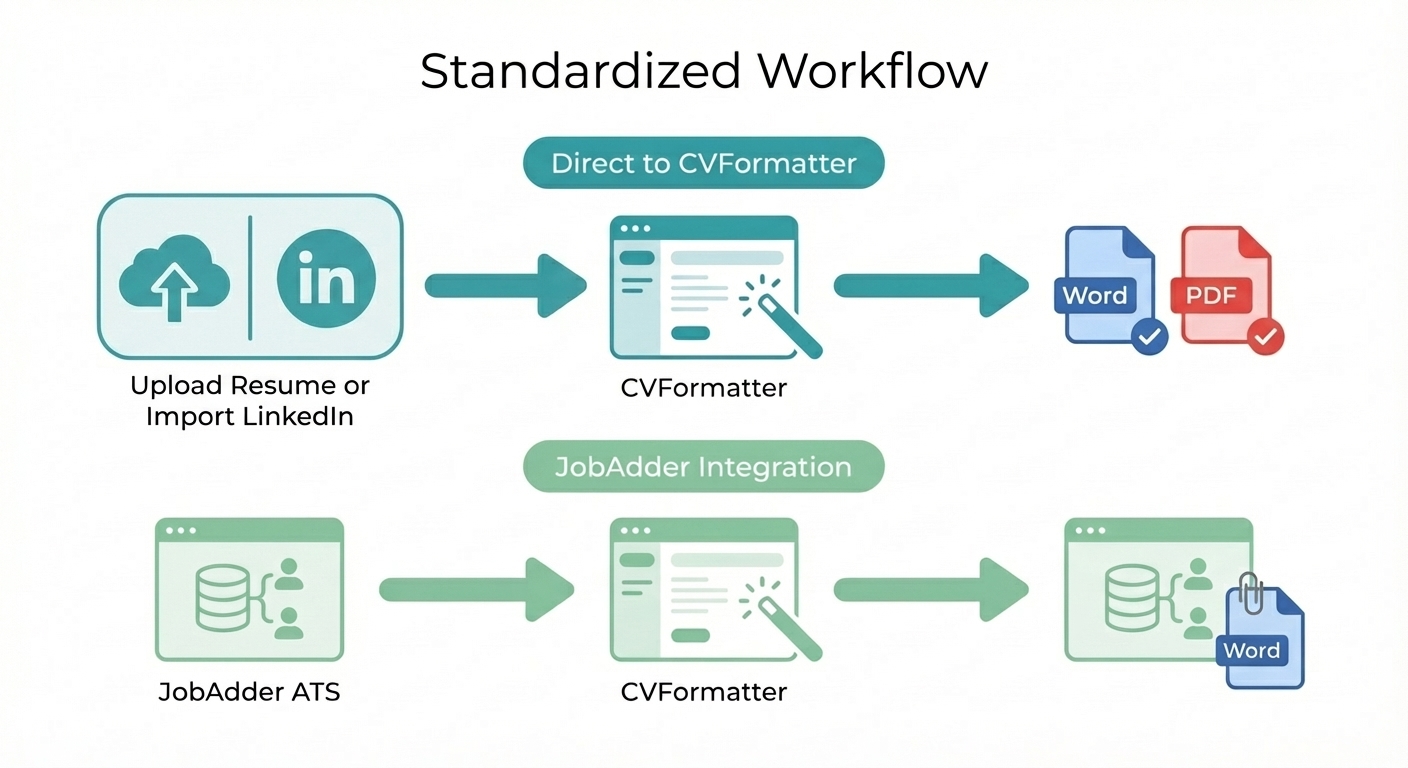
Use the same workflow for every candidate
- Either import resumes/LinkedIn urls to CVFormatter & download formatted resumes in Word / PDF
- Or send resumes from JobAdder → send back formatted Word files to JobAdder
-
Measure impact for 2 weeks
Track:- average time saved per CV
- number of submissions per recruiter
- reduction in formatting backlogs
Once it becomes habit, formatting stops being a bottleneck.
Why this integration changes the day-to-day recruiter experience
Recruiters don’t want “another tool.”
They want fewer steps.
The point of CV Formatter on JobAdder is not to add complexity. It’s to remove friction:
- no manual re-uploading resumes just to start formatting
- no inconsistent styling from Word edits
- no messy version control across teams
- no slowdowns between “candidate sourced” and “candidate submitted”
It’s a practical upgrade that improves speed and output quality at the same time.
Wondering how CVFormatter's JobAdder integration compares to other CV formatting tools? HireAra, for example, only connects via JobAdder for Salesforce — not standard JobAdder. See the full comparison with HireAra and with RemakeCV.